Skip to content

Development

Are you buying Quality software?

In our previous article, Building Better Software, we have already shown how clean we try to maintain our codebase. We strongly believe that it's possible to run a successful business and have clean code at the same time. While it's relatively easy to show some nice metrics a single time, it's much hard to keep your code clean over time.

Even if we release some major features like On-Premise load testing, we still follow the boy scout's rule: Always leave the campground cleaner than you found it. Clean Code is not only compatible with business needs, it's almost mandatory if you want to be quickly competitive on a given market.

Unlike most software companies who don't really care about the quality of the software they ship, we do care that you get the best bang for the buck load testing tool. Do you know any other software company which regularly publishes code quality metrics? Probably not. We're trying here to introduce a new movement in favor of clean code.

What is Clean Code
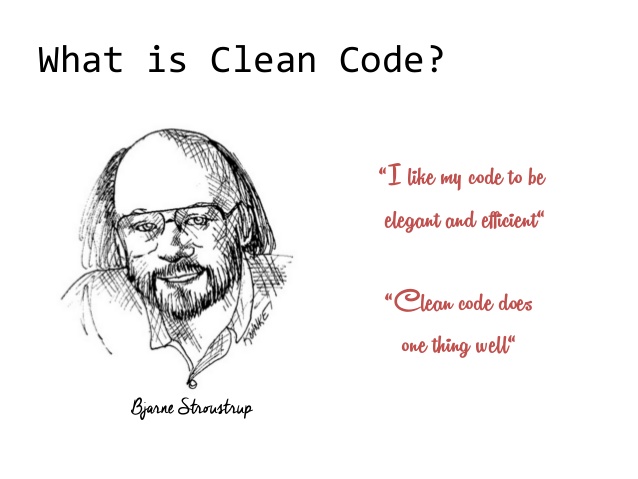
Clean code

Clean code focus developing software that's easy to read, maintain and evolve. Good programmers have quickly understood that we are writing code for humans, not computers. Dikjstra, a famous mathematician, told something very interesting in 1972 at the Turing Award Lecture:

How to build and release an open-source Java Project

I was recently curious on how to create an open-source project from scratch and release it on Maven Central. I'm going to explain in this post how to create and release your first Java open-source project.

I'm going to go through all the steps from creating the source repository, building the project using Continuous Integration, testing the code coverage and finally uploading a release on Maven Central.

No server is required to build the project, nor to publish it. Every tool used here is absolutely free, and most of them are open-source.

Source Control Management

First, we need to store the source code of our open-source project using an SCM.

REST API using Node.js

I want to setup a simple REST server that allows to Create, Read, Update and Delete data (Users in this case) using Node.js, Express, and TypeScript:

  • I could do it using Java/Spring in a couple of minutes, but I want to learn more about Node.js.
  • Express seems to be a good choice to create REST APIs.
  • And as I think that TypeScript may be the good compromise between Java and Javascript I will keep on giving it a try.

Also, I would like to feel as comfortable as using Java. First I need a debugger. No need to spam console.log() using node-inspector. Then unit tests are mandatory and cannot go without a code coverage tool. Finally, I make use of various tools to build, test, debug and run the TypeScript code. Grunt is convenient simplify these processes (plus it's a gain for productivity).
The only thing I bypassed is a code quality tool. We use SonarQube on a daily basis for OctoPerf, and I might do the same for this sample someday.

Before reading this article further, you may check the result on GitHub Rest-Crud.

AngularJs domain name filter

Until now, we used default names such as 'Untitled VU' for virtual users created in octoperf, our load testing tool. That's not very relevant. So we changed it to the domain name of the tested website.

The load tester selects a URL to test, and we need to extract the domain name from it.

A nice trick is to create an hyperlink element <a href="..."/>. Then we can retrieve the hostname, parsed by the browser. So instead of relying on a regex we use the browser built-in URI parsing capabilities. It's easier and safer.