Skip to content

Innovation

Improve Your Testing Efficiency: Unfolding Spira & OctoPerf's Integration

Learn more about SpiraPlan by visiting SpiraPlan 💻

Supercharge Your Testing Efficiency! ⚡️ Watch our webinar recording to see how the powerful integration between Spira and OctoPerf can revolutionize your testing workflow.

In this session, we dive deep into:

  • 📊 Unified Dashboard: See how Spira provides a single pane of glass to monitor your release progress, risks, and sprint statuses.
  • ✅ Real-Time Test Results: Learn how to track requirement statuses and drill down into individual test cases, including load tests powered by OctoPerf.
  • ⚡ Seamless OctoPerf Integration: Witness the magic of launching and analyzing OctoPerf load tests directly from Spira, streamlining your performance testing.
  • 📈 In-Depth Performance Analysis: Explore OctoPerf's capabilities for creating, debugging, and analyzing load tests with features like HAR file import, variable management, and real-time reporting.
  • 🌍 Global Load Testing: See how to simulate user traffic from multiple locations and compare performance metrics for a comprehensive view of your application's behavior.
  • 🛠️ Practical Demonstrations: Get hands-on insights into configuring and using both Spira and OctoPerf to enhance your testing process.

New Features Tour - March 2025

Watch Our Latest Webinar: New Features Tour.

We’re excited to share the recording of our latest webinar, New Features Tour - March 2025!

Over the past 12 months, we improved both our SaaS and On-Premise versions, and this session showcases all the powerful updates we’ve introduced.

What’s New?

  • Trend Report – Track performance evolution over time
  • Insights – Automatically detect potential issues in your test
  • JTL Import – Seamlessly import & analyze your JMeter result libraries
  • Data Faker – Generate realistic test data effortlessly

Watch the full webinar to see these features in action and learn how they can optimize your performance testing!

OctoPerf's new UI - Design changes

This article is the second in a series of overviews of our new UI. You can find the first one here.

This time we will dive into the changes we've made in the design phase. We've addressed many pain points from the old UI that we want to detail here:

This will make the design in OctoPerf even faster, so that you can focus more time on your tests and analyzing them.

Create virtual user

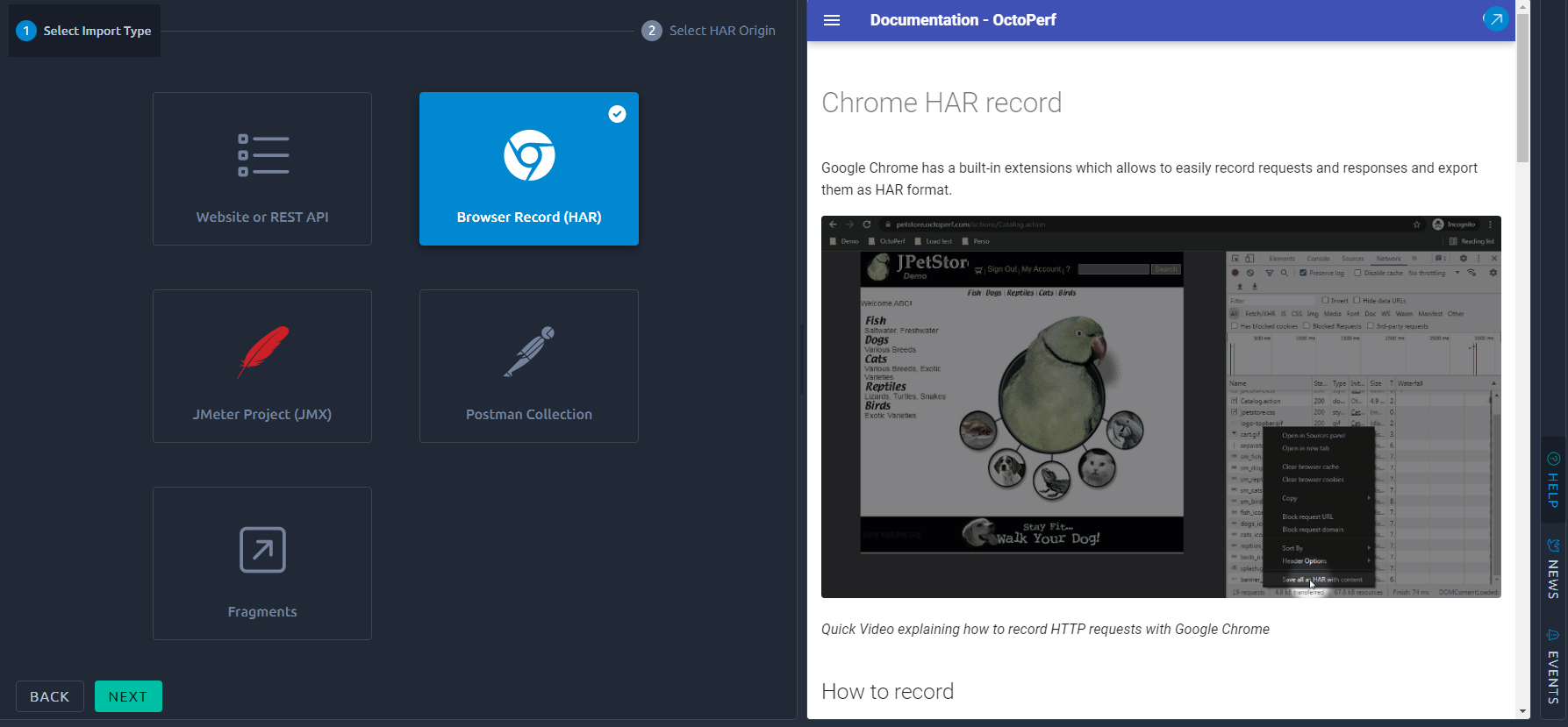
The first item on the list is obviously the new virtual user creation process. A lot of people were confused by the older UI and used the menus to get back to the project level when what they really wanted was to get back to the last step. Of course the fact that you are now required to click on Back / Next to move to the another step of the process requires one more interaction but it's also a lot easier to understand what's going on since it results from your actions. We think it's the right way to go since the only drawback is adding a couple of clicks on a process that is only used a few times per project.

To make things easier for beginners, the contextual documentation will display as soon as you select any option. It's also a better use of horizontal space that would otherwise be lost:

Back