Skip to content

Innovation

Trend Reports: Stop Comparing Load Test Results in Spreadsheets

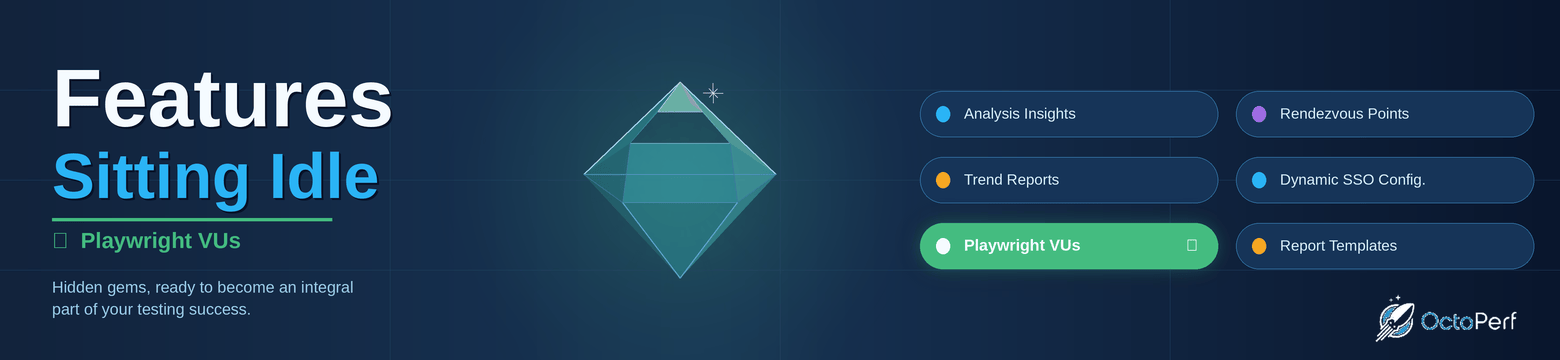
This post is the second in our "Features Sitting Idle" series, where we explore key OctoPerf features that are either misused, misunderstood, or simply unknown to most users.

Features Sitting Idle - Trend Reports

"Sprint Done. Has Your Performance Regressed Since the Last Release?"

The question comes up every iteration, and yet teams usually handle it the same way: export two reports, open a spreadsheet, and compare numbers manually.

It works, but it doesn't scale. After three or four sprints, no one wants to open another spreadsheet.

Analysis Insights: Stop Hunting for Root Causes in Your Load Test Reports

We are launching with this post a new series of blog articles and LinkedIn posts titled "Features Sitting Idle".

In this series, we explore key features of OctoPerf that are either misused, misunderstood, or simply unknown to our users. It's time to shine a light on these hidden gems, features that are already there, ready to become a central part of how you test.

Features Sitting Idle

"Your Test Just Finished. Now You're Looking for the Problem."

This is probably the most common situation after a load test. The report opens, the charts appear, and the engineer then spends a long time trying to correlate metrics that don't tell a clear story at first glance.

Seamlessly Migrate from BlazeMeter to OctoPerf with Our New Maven Plugin

Switching performance testing platforms has traditionally been a daunting task. The thought of manually recreating workspaces, projects, test designs, and data sets can discourage teams from exploring better alternatives - even when their current tool doesn't meet their needs.

Today, we're excited to announce the BlazeMeter to OctoPerf Maven Plugin, an open-source tool that automates the entire migration process. Whether you're looking for true unlimited pricing, collaborative script editing, genuine on-premise deployment, or simply a more powerful testing platform, migrating your BlazeMeter assets to OctoPerf is now as simple as running a Maven command.

Why Migrate from BlazeMeter to OctoPerf?

Before diving into the technical details, let's address why teams are making the switch:

  • True Unlimited Pricing: OctoPerf offers unlimited pricing based on concurrent users, without restrictions on virtual users, tests, or test duration,
  • Built-in Script Builder: Create and edit JMeter™ scripts directly in the platform without opening JMeter™, with full team collaboration support,
  • Unlimited Concurrent Testing: Run as many tests simultaneously as your team needs,
  • Dynamic Results Engine: Get comprehensive, real-time analysis instead of static reports,
  • Genuine On-Premise Option: Deploy OctoPerf in your own infrastructure for enhanced security and compliance,
  • Superior Support: Responsive customer service backed by 10+ years of experience serving 1000+ customers across 32 countries.

Learn more about why OctoPerf is the best BlazeMeter alternative.

JMX Import Made Complete with Scenario Configuration

When migrating from JMeter to OctoPerf, teams have always appreciated how smoothly their JMX files import into our platform. But there was one piece missing: the runtime configuration. Until now, you had to manually recreate your load profiles and scenarios after importing your scripts.

Today, we're excited to announce a feature that makes JMeter migration even smoother: the Import Scenario option. Now you can import not only your Virtual Users (the design part) but also your complete runtime configuration directly from your JMX Thread Groups.

What's New?

Previously, when you imported a JMX file into OctoPerf, only the test design was imported: HTTP requests, extractors, assertions, and all the elements that define your virtual user behavior. The runtime configuration - how many users, ramp-up periods, duration - had to be configured manually in OctoPerf's scenario editor.

The new Import Scenario option bridges this gap. Enable it during import, and OctoPerf will automatically:

  • Create dedicated User Profiles for each Thread Group,
  • Generate a complete scenario with all your load profiles,
  • Convert Thread Group configurations into OctoPerf runtime settings,
  • Apply smart defaults for geographical distribution.

Strengthening Your Security: Two-Factor Authentication Now Available on OctoPerf

Summary

Two-factor authentication adds a strong extra layer of protection to OctoPerf accounts.
Relying on passwords alone is no longer enough, so enabling 2FA ensures access stays secure even if credentials leak.
Setup takes just a minute with any TOTP-compatible authenticator app, and recovery codes provide a fallback in case the device is lost.
The guide walks through enabling, using, and disabling 2FA directly from the User Account settings in OctoPerf.

Table of Contents